Office 2024 Professional Plus – Phone Activation
Original price was: $99.$14Current price is: $14.
Microsoft Office 2024 Professional Plus (Phone Activation)
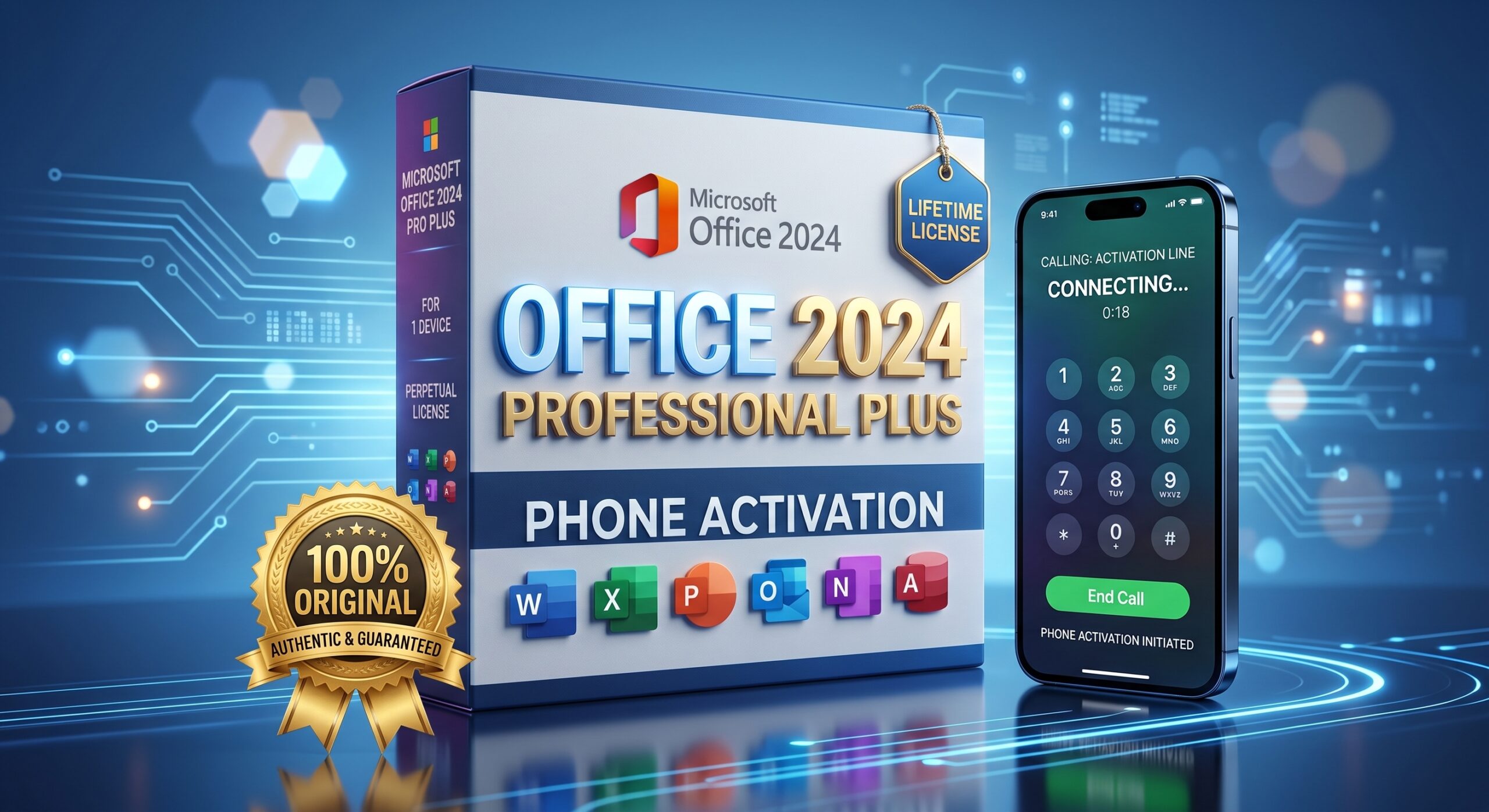
Boost your productivity with Office 2024 Professional Plus. 100% original, lifetime license with no annual subscriptions, valid for 1 PC/Laptop (Windows 10 & 11). Activated via Microsoft’s official Phone Activation method. The smart and secure solution for your professional needs!
✔️ 100% Original & Authentic
✔️ Lifetime License (One-Time Payment)
✔️ Successful Activation Guaranteed
Description
**Elevate Your Productivity with Microsoft Office 2024 Professional Plus**
Microsoft Office 2024 Professional Plus comes with the latest features to support your work, business, and daily tasks. By purchasing this product, you get an original digital license that is valid for a lifetime with just a one-time payment.
**What Will You Get?**
* **100% Original License:** 1 License Key / Product Key (Alphanumeric).
* **Activation Method:** Official Microsoft Phone Activation.
* **Validity:** Lifetime – No subscription fees.
* **Device:** Valid for 1 PC / Laptop.
* **Complete Applications:** Word, Excel, PowerPoint, Outlook, Access, Publisher, and OneNote 2024 versions.
* **Compatibility:** Supports Windows 10 and Windows 11 only.
**Installation & Activation Guide (Phone Activation):**
1. **Download Installer:** Download the official Office 2024 installer file via the link provided on our *Download Area* page.
2. **Uninstall Old Versions:** Please make sure to uninstall any previous versions of Microsoft Office on your PC/Laptop before installing.
3. **Install & Enter Key:** Open the downloaded installer file and complete the installation. Open any application (e.g., Word), then enter the *License Key* you received from this order.
4. **Select Telephone Method:** When the Activation Wizard appears, select the option **”I want to activate the software by telephone”**, then click Next.
5. **Get Installation ID:** Select your country, and the screen will display a series of numbers called the **Installation ID** (Step 2 on the Microsoft screen).
6. **Complete Activation:** You can call the toll-free Microsoft number shown on the screen to exchange your *Installation ID* for a *Confirmation ID*, then enter that Confirmation ID into the provided fields (Step 3) and click Next. Your Office is now activated!
📞 **Activation Support (Admin Assistance):**
If you don’t have time to call or **encounter any issues during the activation process**, don’t worry!
Please take a clear photo/screenshot of your **Installation ID** numbers and send it via email to: **admin@genuinelicencekey.com**.
Our support team will be happy to assist you in completing the activation until it is 100% successful.
Related products
-
Sale!

Microsoft Visio 2021 Professional
Original price was: $178.$9Current price is: $9. Add to cart -
Sale!
Microsoft Office 2016 Home and Student – Online Key (1 PC)
Original price was: $55.$15Current price is: $15. Add to cart -
Sale!
Microsoft Office 2019 Professional Plus – 500 Users MAK Key
Original price was: $549.$150Current price is: $150. Read more -
Sale!
Genuine Office 2021 Professional Plus for Windows PC / Laptop – Phone Activation
Original price was: $259.$8Current price is: $8. Add to cart